
There are many reasons why you may consider setting up a home office. Maybe, like me, you want to start up your own company and go into business for yourself. Alternatively, you may be setting up a telecommuting arrangement with your current employer so that you can work part-time from home. Either way, you want to ensure that your home office is adequately equipped and stocked.
Some people are lucky enough to have plenty of space for a home office in their houses, whereas other folks are stuck with a cramped home office. Whether you’ve got a corner in your bedroom or a wing in your mansion, there are certain items that every home office should have.
Starting with Home Office Basics
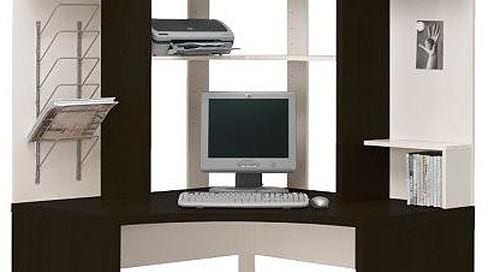
In the interest of brevity, this guide will focus on items that may not otherwise cross your mind. We all know about the importance of having a comfortable chair and a well-designed desk. We all know that having a supply of USB flash drives can certainly come in handy, as can the right computer mouse or filing cabinet. You may also want to have a few video games set up for your lunch hour. That’s all up to you.
So, what else does every home office need? Let’s have a look, shall we?
Wi-Fi Enabled Multifunction Printer
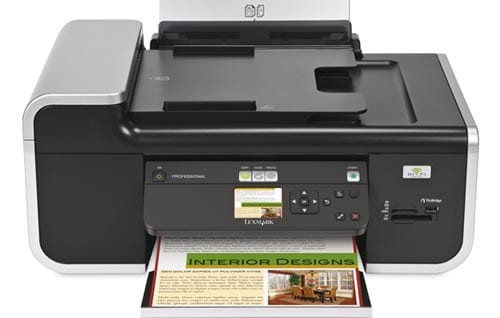
Even if you’re the only one to ever use your home office, there is still certain appeal to owning a multifunction printer that can be used over your Wi-Fi network at home.
Setting the wireless connection aside for a moment, you should definitely consider acquiring a good multifunction printer. It can be quite cumbersome to deal with several separate devices, particularly when a suitably-designed single item can do all the work. Most multifunction printers can be used as printers, copiers, scanners, and more.
Adding a wireless connection to the mix, this means that anyone with access to the network can send documents to the printer. Even if you work alone, you may have company over from time to time and they may want to print something from their laptops. It also makes it a lot easier to relocate your desk, printer cart, and other furniture.
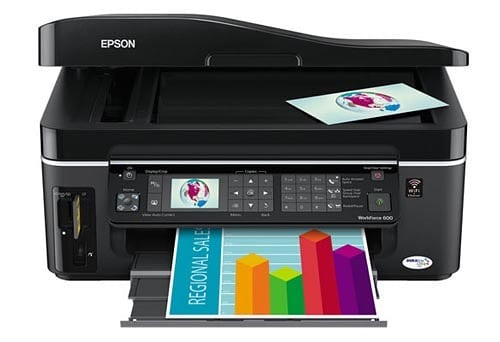
If you were to opt for something like the Epson WorkForce 600, you get even more than that. It does the multifunction thing with printing and copying, but it’s also got an integrated card reader. You can print photos and documents directly from an SD card or USB device.
Further still, files stored on these memory cards and drives can be shared over the Wi-Fi network as well. This is an inexpensive and convenient way to make use of network-attached storage (NAS) without the potentially messy and expensive configuration of a “real” NAS.