
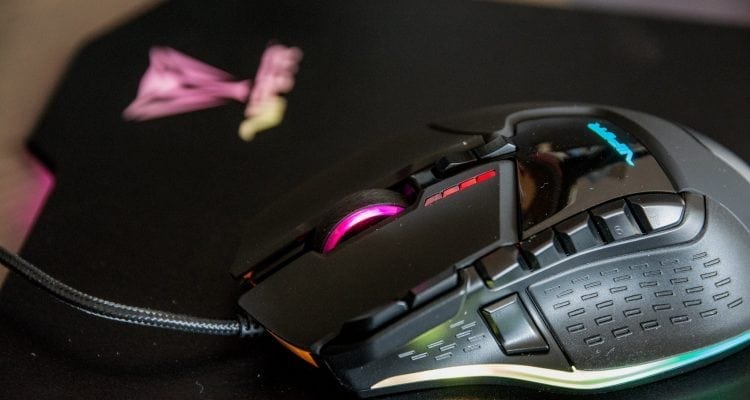
- Ceramic Feet
- 13 Programmable Buttons
- Comfortable Fit
- Not top-of-the-line Sensor
- Default Nav buttons in awkward reach
Performance
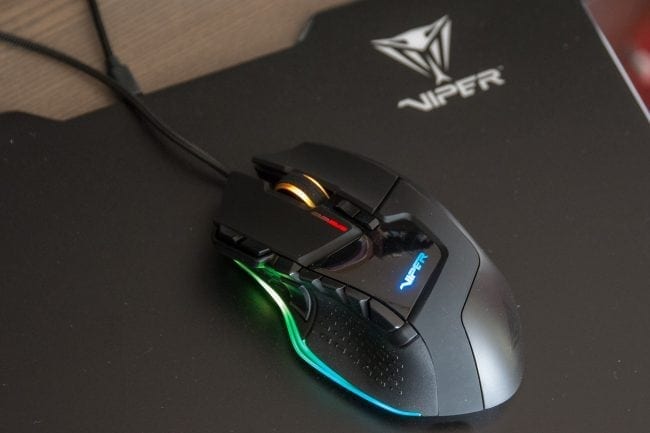
The games I’ve played with the Viper V570 have been ones such as Fortnite Battle Royale where accuracy can be favored to survival games such as 7 Days to Die to slightly less accuracy required games like Sea of Thieves or Subnautica.
From what I found is that the response from the mouse and its sensor was decent. I’m not a hardcore FPS gamer but more of someone who likes to play a variety of games and the Viper V570 Blackout Edition gaming mouse was able to let me play well and for long periods of time. The macro buttons can also come in very handy of course for FPS style games and of course MMOs. The 5 buttons are easily accessible with your thumb and can definitely give you a slight advantage over those who use mice without as many programmable buttons.
Switching between mouse profiles is easily done as well. When I utilize one monitor, I tend to use a lower setting but when I have more than one monitor, I will bump up the mouse’s DPI setting with a single click of a button on the mouse and then I am able to move across the monitors with very little wrist movement.
To get back to my previous mouse DPI setting, I do have to cycle through all 4 DPI settings before returning to the one I previously had. The same goes for the actual mouse setting profiles, you can cycle them one at a time but have to go through all of them before getting back to the one you previously wanted.
Final Thoughts
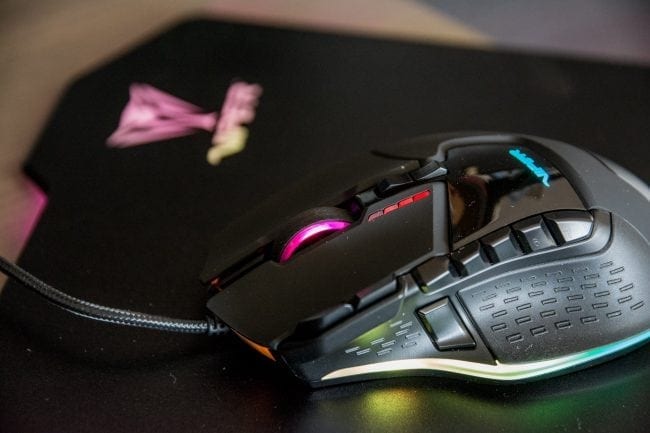
I have gotten to used the Viper V570 Blackout Edition mouse for a couple of weeks now and I’ve totally grown accustomed to it. When I go to the office, I of course do not get to make use of the Viper V570, and I find that my hand is not as comfortable and that I miss the smooth glide. The V570 fits nicely in my palm, I can use it easily among the various computer tasks each day. I have used it for general Internet surfing, photo editing, video editing and of course gaming.
The button layout is fairly easy to access when needed. There is one little downside: the default navigation buttons. These are the buttons that are next to the scroll wheel and are a bit awkward to access with your index finger. You sort of have to stretch your finger a bit further than what might seem comfortable. Though someone with longer fingers (is that possible?) may have no issues with it at all. At least these two navigation buttons cannot be accidentally pressed like other mice I have used in the past.
The movement of the Viper V570 I would describe as “gliding over butter.” Seriously! Thanks to the ceramic feet, the Viper V570 slides along all surfaces with such ease and very little friction. The Viper LED Gaming Mouse Pad is a nice compliment to the Viper V570. Even though the ceramic feet can be used on virtually any surface, it does perform quite well on the rigid polymer surface of the mouse pad. The accent lighting around the mouse pad is a nice touch, but is easily turned off if it does not match your current lighting environment.
If you are looking for a new gaming mouse with programmable buttons, smooth glide over a variety of surfaces then I would recommend checking out the Viper V570 Blackout Edition Gaming Mouse. It’s available now for about $49.99. The original and more colorful V570, which should be functionally identical, is about $10 less.